Gaming Mouse Pad vs Regular Mouse Pad: What Is the Difference?
A gaming mouse pad is designed around mouse control, movement speed, and long gaming sessions, while a regular mouse pad is usually made for basic daily computer use. The main differences are found in surface material, size, thickness, edge construction, and the level of control the pad provides. These differences also affect how a mouse sensor responds to movement.
For brands, retailers, and distributors, choosing between gaming and regular mouse pads requires more than comparing appearance or price. The right specification depends on the target users, mouse type, desk setup, and application. This guide explains the key differences and what buyers should consider when sourcing mouse pads for different markets.
Gaming Mouse Pad vs Regular Mouse Pad: Key Differences
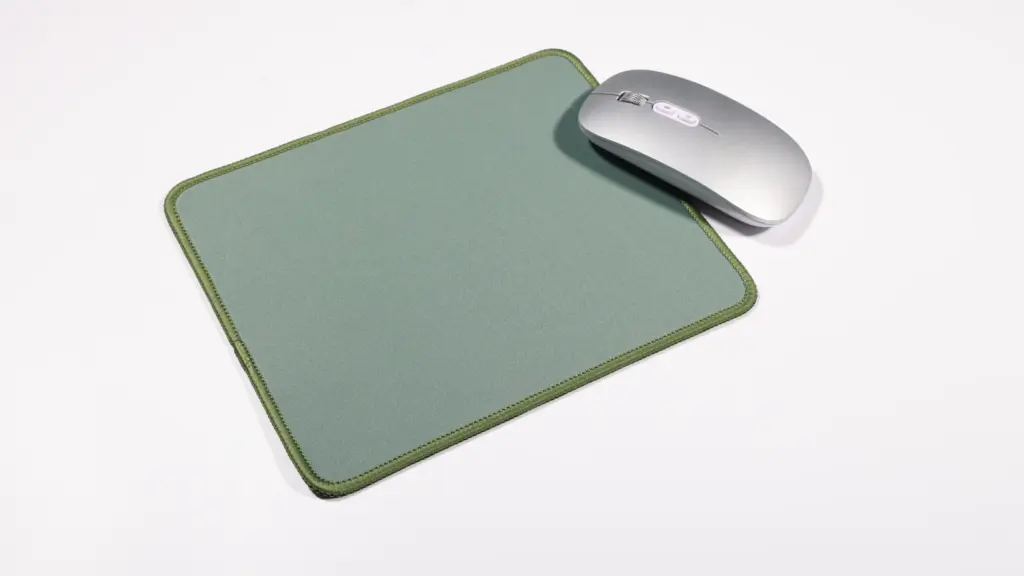
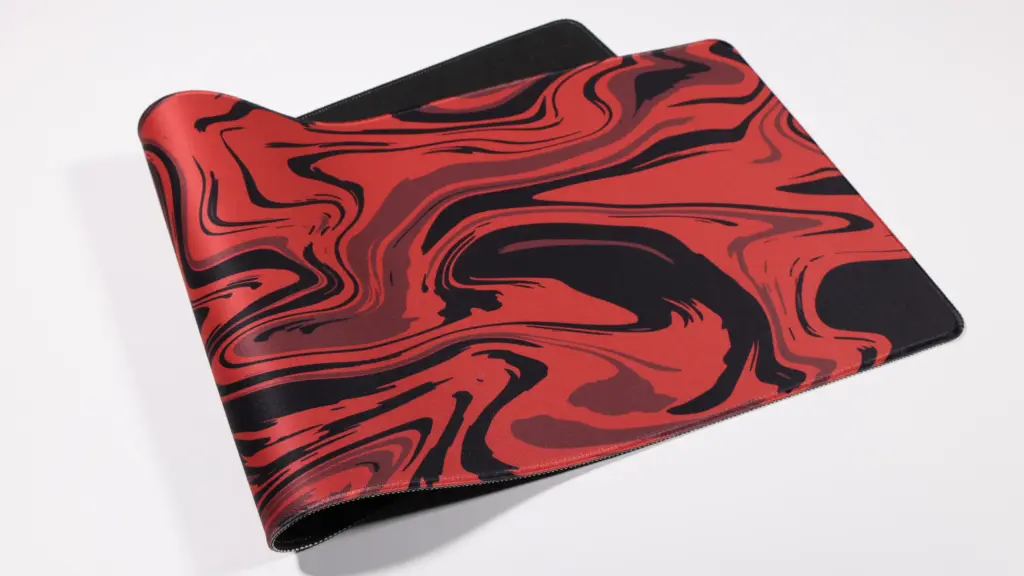
The biggest difference between gaming and regular mouse pads is their design purpose. A regular mouse pad provides a stable surface between the mouse and desk. A gaming mouse pad is usually developed with more attention to mouse tracking, movement range, surface friction, comfort, and long-term use.
| Functie | Gaming Mouse Pad | Regular Mouse Pad |
|---|---|---|
| Main Use | Gaming, esports, extended computer use | Office and everyday computer use |
| Surface | Optimized for speed or control | General-purpose fabric, rubber, or plastic |
| Size | Often medium to XXL | Usually small to medium |
| Thickness | More options for comfort and desk feel | Often thinner |
| Edge | Frequently stitched or reinforced | May have simple cut edges |
| Mouse Movement | Designed for precise and consistent movement | Suitable for normal cursor movement |
| Design | Gaming graphics, RGB, custom branding | Simple or business-focused designs |
| Maatwerk | High, including shape, print, size, and materials | Usually more basic |
| Target Buyers | Gamers, gaming brands, PC users, esports markets | Offices, retailers, promotional markets |
Surface Engineering and Sensor Tracking Accuracy
Optical and laser mouse sensors rely on consistent micro-textures to calculate movement. Traditional office pads often utilize low-grade fabrics, simple rubber, felt, or basic plastics. These materials display variable reflectivity and inconsistent weaves that cause sensor skips, cursor jitter, or tracking inconsistencies during rapid arm movements.
To solve this tracking bottleneck, gaming mouse pads employ highly specialized surfaces engineered for optimal optical contrast and repeatable imaging patterns.
- Micro-Woven Cloth: This material provides a highly uniform, tight textile pattern that optimizes sensor tracking and balances static and dynamic friction to eliminate the sticky feel of standard office pads.
- Hard Polymers: Rigid plastic composites reduce drag to a minimum, offering highly consistent feedback for high polling rate sensors.
- Hybrid Surfaces: These combine the stopping power of cloth with the rapid glide speed of a hard pad to match specific aiming styles.
Size Options and Physical Movement Space
Standard office mouse pads typically feature small footprints under 300 x 200 mm. While this compact size works for high-sensitivity wrist movements during casual desktop navigation, it restricts the broad sweeps required in competitive gaming scenarios.
Gaming mouse pads scale significantly larger to support low-DPI arm aiming, which prevents players from running off the pad edge during critical tracking sequences.
- Small to Medium formats: Roughly 250 x 210 mm to 350 x 250 mm footprints, ideal for limited desk spaces or high-sensitivity players.
- Large to XL formats: Ranging from 450 x 400 mm up to desk-mat sizes of 900 x 400 mm or larger.
- Extended desk coverage: Large mats allow both the keyboard and the mouse to sit stably on a single, uniform surface, which completely eliminates edge interference.
Material Durability and Edge Construction
Regular office mouse pads deteriorate quickly under daily high-friction use. The top fabric layer frequently peels away from the foam base, and raw-cut edges curl or fray within months of purchase. Gaming mouse pads are specifically built to withstand intense, repeated friction without degrading.
- Gestikte randen: Heavy-duty, dense stitching binds the perimeter to prevent edge fraying and surface peeling.
- Premium backing: High-grade, dense natural rubber bases utilize honeycomb or textured patterns to lock the pad firmly in place on the desk.
- Wear resistance: Premium fabrics and hydrophobic coatings resist sweat, oils, and environmental humidity to preserve consistent glide profiles over years of use.
Cushioning and Ergonomic Comfort
Cheap regular mouse pads prioritize lightweight shipping and minimal material use, resulting in thin profiles of 2 mm or less. This offers virtually no physical support, forcing the wrist to absorb direct pressure from the hard desk surface underneath.
Gaming mouse pads utilize calibrated thickness bands ranging from 3 mm to over 5 mm to isolate the user from desk imperfections and support neutral joint alignment during long sessions.
- Thin bases (1–2 mm): Offer a firm, direct desk feel with zero compression, preferred by competitive players who want immediate feedback.
- Standard bases (3 mm): Deliver the industry-standard balance point, smoothing out minor desk unevenness while maintaining surface stability.
- Thick bases (4–5 mm or more): Provide deep wrist cushioning and forearm support to mitigate physical strain and reduce fatigue during extended computing sessions.
Surface Materials and Mouse Tracking Performance
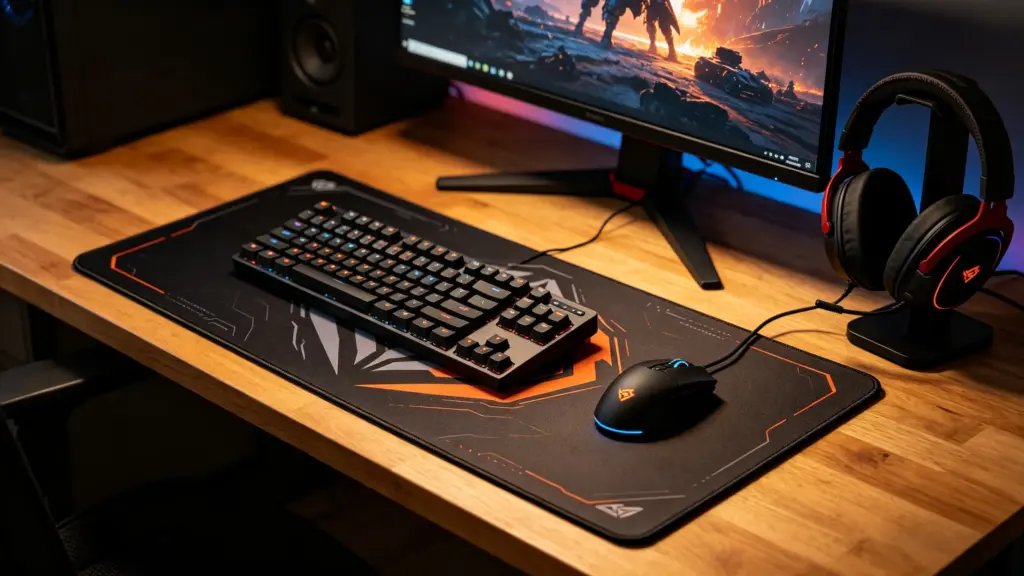
Surface material directly dictates mouse sensor accuracy, translation consistency, and physical glide dynamics, differentiating high-performance gaming pads from generic desk surfaces.
Core Sensor Mechanics and Surface Textures
Optical sensors function by comparing successive image frames of the surface underneath. To register stable, predictable movements and prevent cursor jitter, these high-spec sensors require highly consistent micro-textures that provide clear optical contrast.
Gaming pads solve this by utilizing engineered weaves and uniform surfaces designed to deliver predictable contrast to the sensor. This specialized engineering ensures that the sensor receives clean data points, maintaining a reliable tracking signal even during high-velocity movements.
Generic desk mats and bare desks frequently present irregular weaves, deep grain patterns, or varying gloss levels. These surface inconsistencies disrupt sensor imaging and introduce tracking noise, which often manifests as erratic cursor jumps or micro-skips.
Friction Profiles of Soft vs Hard Surfaces
The friction profile of a mouse pad determines how easily a user can initiate, controle, and stop mouse movement, which directly impacts target acquisition.
- Cloth gaming pads: Offer higher static friction with typical coefficients around 0.4 naar 0.6, providing enhanced stopping power for precise micro-aim corrections.
- Hard, hybrid, and glass surfaces: Reduce static friction down to coefficients of 0.1 naar 0.4, allowing effortless tracking and high-speed cursor movements.
- Standard office pads: Lack specific friction tuning, leading to unpredictable resistance levels and uneven glide over time.
Tracking Demands for High Polling Rates
Modern gaming mice often feature high polling rates of 4K to 8K, which drastically reduces the delay between data transmissions. At these extreme intervals, any minute surface imperfection is amplified, making uniform material reflection critical for clean tracking signals.
Carbon fiber, coated cloth, and specialized glass surfaces provide the extreme signal consistency required to support 8000 Hz tracking intervals. These premium materials ensure that the sensor receives a reliable image every 0.125 milliseconds.
Coarse fabrics or worn office surfaces degrade tracking accuracy at high polling rates. Because they introduce too much signal noise, they typically limit stable performance to standard 1000 Hz polling limits.
Lift-Off Distance and Reflection Tuning
Lift-Off Distance (LOD) refers to the height at which a mouse sensor stops tracking when lifted from the surface. The reflectivity and color of the pad play a central role in how the sensor calculates this distance.
- Dark cloth surfaces: Support low, stable LOD settings of around 1 mm, which is ideal for competitive play where quick repositions are common.
- Reflective hybrid/glass surfaces: Can cause sensor spin-outs due to high reflectivity, requiring players to increase software LOD to 2 mm to maintain consistent tracking.
- Gaming-grade pads: Utilize sensor-optimized coatings to minimize tracking cut-off issues common on untreated, generic desk surfaces.
Material Durability and Long-Term Performance Consistency
A mouse pad must maintain its physical properties over time, as localized changes in texture directly degrade aiming consistency.
Gaming cloth pads provide excellent initial precision but can wear down within 6 naar 12 months, causing localized changes in glide resistance. Glass gaming pads deliver exceptional longevity, maintaining consistent friction and tracking profiles for over 5 jaren. Regular mats suffer from fiber pilling and dirt accumulation, which leads to physical tracking skips and sensor misreadings.
Scale Your Brand with Certified Ergonomic Solutions
Size, Thickness, and Comfort Comparison
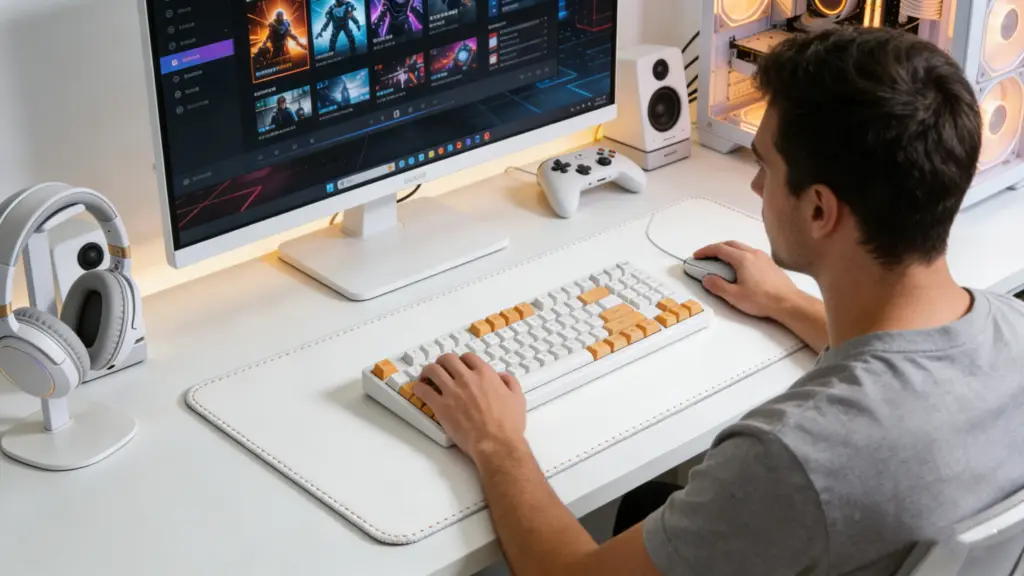
Gaming mouse pads offer larger dimensions, thicker cushioning, and engineered tracking surfaces that prevent physical fatigue and sensor errors during intense, long-duration setups.
Size Comparison: Desk Space vs. Gaming Freedom
Standard office mouse pads restrict movement to a small, isolated footprint. Gaming mouse pads expand this workspace significantly to accommodate different physical setups and tracking requirements.
- Format Ranges: Sizes scale from compact medium footprints (350 x 250 mm) up to massive extended desk mats (900 x 400 mm or larger) that sit under both the keyboard and mouse.
- Low-DPI Optimization: Large and XL formats support low-sensitivity players who rely on sweeping, full-arm movements, eliminating the constant need to lift and recenter the mouse.
- High-Sensitivity Fit: Small and medium footprints conserve space on cramped desks, serving players who use high DPI settings and rely on quick, localized wrist movements.
Thickness Options and Surface Feedback
The vertical profile of a mouse pad dictates how the surface responds to downward hand pressure and how well it isolates the mouse sensor from desk irregularities.
- Thin Profiles (1-2 mm): These pads deliver a firm, direct, and flat contact feel, making them highly portable and stable with zero surface compression under pressure.
- Standard Profiles (3 mm): This depth acts as the baseline industry standard, balancing moderate cushion with surface stability for general use.
- Thick Profiles (4-5 mm or more): Heavy padding absorbs physical desk imperfections like wood grain or seams, providing a softer glide and protecting sensitive wrists from impact.
Ergonomics and Long-Session Comfort
Sustained gaming puts repetitive physical stress on the hand, wrist, and forearm. Properly constructed gaming pads address these friction and pressure points directly.
The engineered textures of a gaming pad reduce dynamic drag, which smooths out arm travel and lowers overall muscle fatigue. Thicker foam bases cushion the wrist, keeping the hand in a more neutral resting position and preventing the forearm from pressing raw against sharp desk edges. Regular office pads offer no such ergonomic consideration, rapidly wearing thin and piling under the constant abrasive friction of active play.
Practical Comparison and Quick Selection Guide
Selecting the correct dimensions and thickness depends on your active playing style, desk layout, and comfort preferences.
- 1-2 mm Pads: Best for players prioritizing a fast, rigid feel, high portability, and zero mouse sink.
- 3 mm Pads: Best for users seeking a reliable, all-purpose balance of speed, controle, and daily comfort.
- 4-5 mm Desk Mats: Best for low-DPI players requiring maximum wrist cushioning, vibration damping, and full desk coverage for all peripherals.
Which Mouse Pad Is Better for Gaming?

The best gaming mouse pad depends entirely on your playstyle: control surfaces favor tactical FPS precision, speed surfaces benefit rapid tracking, and hybrid models balance both.
Control Pads for Precision and Tactical FPS
Tactical shooters require pixel-perfect crosshair placement and steady holding angles. Standard desk surfaces often feel slick and unpredictable, which leads to overshooting your target during high-stakes rounds.
- Wrijvingsprofiel: Offers higher static and dynamic friction to deliver maximum stopping power for precise micro-adjustments.
- Game Compatibility: Ideal for tactical shooters where static crosshair placement and steady aiming are critical to performance.
- Material Composition: Typically made of heavily textured cloth materials that help prevent overshooting targets by adding physical resistance.
Speed Pads for Rapid Tracking and Flicks
Fast-paced arena shooters and battle royales demand constant camera rotation and instant target tracking. If your mouse pad has too much drag, your wrist tires quickly and your rapid sweeps will feel sluggish.
- Wrijvingsprofiel: Features low-friction surfaces that allow the mouse feet to glide with minimal initial and moving resistance.
- Playstyle Match: Best suited for fast-paced shooters and high-sensitivity players who rely on instant reaction times and continuous tracking.
- Material Composition: Commonly available in rigid hard plastic, tempered glass, or extremely tightly woven specialty synthetic fabrics.
Hybrid Pads for Balanced Performance
Many players do not stick to a single game genre. Running a pure speed pad in a tactical shooter can feel ice-slick, while using a heavy control pad in a fast-paced battle royale makes quick tracking difficult.
- Wrijvingsprofiel: Combines the smooth, effortless glide of a speed pad with the tactile stopping control of a traditional cloth pad.
- Playstyle Match: An excellent middle-ground option for players who regularly rotate between different game genres and aiming styles.
- Surface Texture: Provides a highly consistent, uniform texture that adapts well to various mouse feet and sensor high polling rates.
Sizing and Thickness for Desk Setup and Comfort
Physical dimensions dictate how much freedom of movement you actually have. Small office pads restrict your range of motion, forcing you to lift and recenter your mouse constantly during low-DPI arm aiming.
- Dimensional Formats: Large formats like XL and XXL support sweeping low-sensitivity arm movements and easily accommodate heavy keyboards.
- Thickness Profile: A thickness of 2.5 mm or more cushions the wrist and smooths out desk surface imperfections like wood grain or seams.
- Base Stability: Thicker natural rubber bases prevent the pad from slipping or bunching up during intense, rapid gaming sessions.
Choosing the Right Mouse Pad for Different Applications
Selecting the correct mouse pad surface directly determines sensor tracking accuracy and physical friction, which prevents erratic cursor behavior and micro-aiming errors during critical tasks.
A gaming mouse pad is generally the better choice for gaming because it is designed around the movement patterns and comfort requirements of gamers. Echter, the best pad depends on the type of gaming and the user’s preferred mouse settings.
For FPS games, players often make large and fast movements. A large fabric pad with a balanced glide and good stopping control can provide enough room for these movements.
For strategy games, productivity, and casual gaming, users may prefer a smaller pad or a surface with a smoother glide. The required movement range is usually lower, so an XXL pad may not be necessary.
A good gaming mouse pad should provide three basic qualities: consistent movement, suitable control, and stable positioning. The surface should feel predictable across the main movement area, while the base should remain stable during use.
The pad should also match the mouse. Different mouse feet and sensor systems can produce different results on the same surface. This is why brands developing gaming mouse pads should test the complete user experience rather than selecting materials based only on appearance or unit cost.
Another consideration is durability. Gaming products are used frequently and can receive more repeated friction than office products. A pad intended for long-term gaming should maintain its surface texture, print, edges, and base adhesion over extended use.
Source Professional Gaming Mouse Pads Directly from the Factory
Sourcing gaming mouse pads directly from specialized factories secures sub-two-dollar unit pricing, verified sensor tracking calibration, and strict compliance metrics required for international retail distribution.
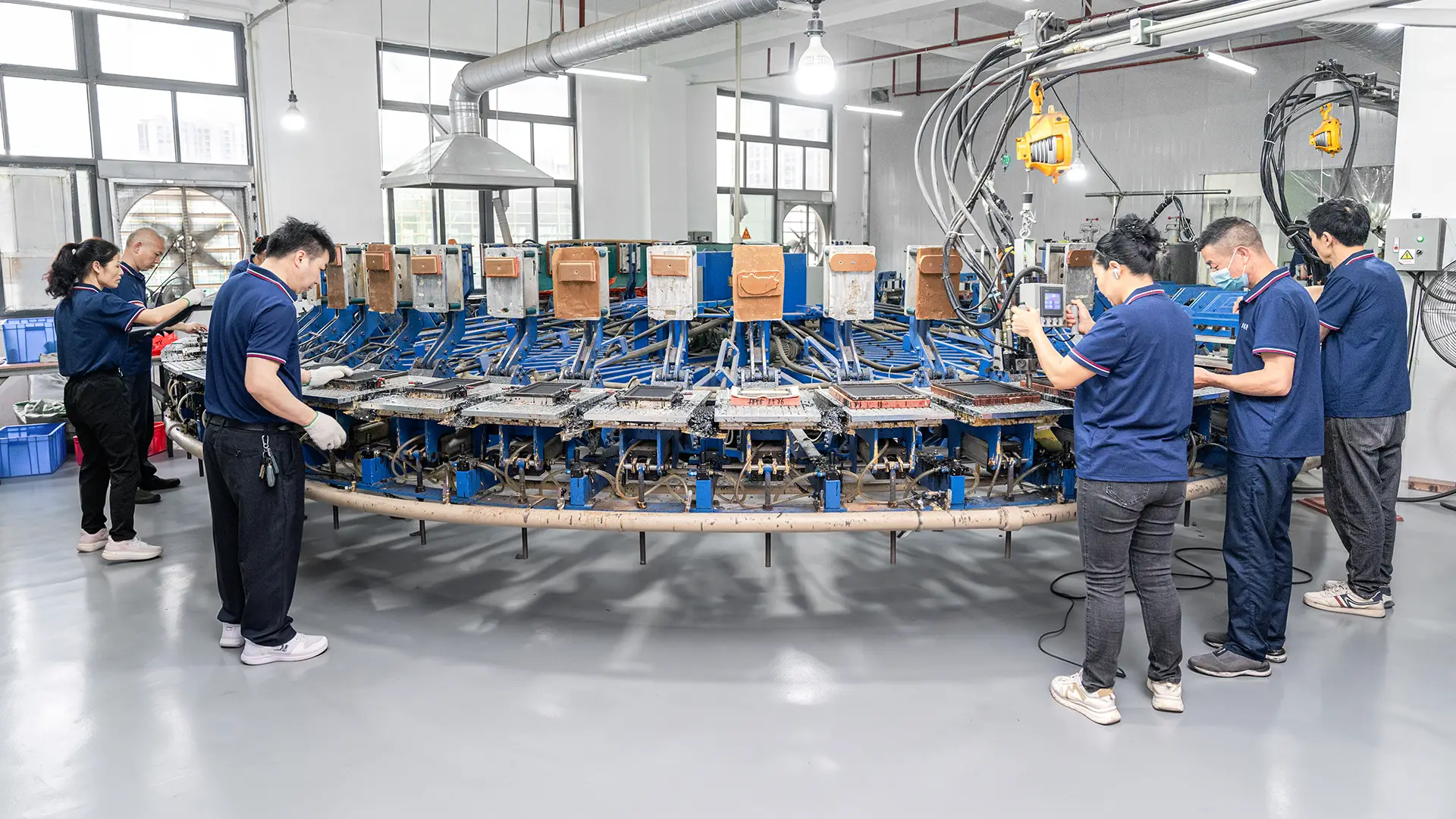
For brands and distributors, direct factory sourcing helps control specifications, branding, kwaliteit, and production consistency. Sanxing Technology specializes in custom mouse pads and wrist rests, offering various sizes, materialen, designs, printing, packaging, and edge finishes. With over 50,000 square meters of manufacturing space and 11+ production lines in China, the factory supports large-volume orders and recurring production. Buyers can develop gaming mouse pads tailored to their target market, product line, and retail channel.
Contact Sanxing Technology today to discuss your custom mouse pad project and request a quote.
Veelgestelde vragen
What is the difference between a gaming mouse pad and a regular mouse pad?
Gaming mouse pads feature engineered, high-consistency surfaces optimized for optical and laser sensors, offering tuned speed or control glide. Regular pads prioritize basic desk protection and comfort with simpler, non-optimized fabrics. Gaming pads also offer much larger sizes for low-DPI arm movements, more durable stitched edges, and non-slip rubber or silicone bases to stay stable during intense usage.
Are gaming mouse pads worth it?
Ja, they are highly beneficial for competitive players, users of high-end gaming mice, and anyone doing precision work like graphic design or video editing. The specialized surface improves target acquisition and tracking consistency while reducing wrist fatigue. For casual web browsing or general office tasks, a standard mouse pad or basic desk mat is usually sufficient.
Can you use a regular mouse pad for gaming?
You can use a regular mouse pad for casual or turn-based gaming, but it lacks the performance features needed for competitive play. Regular pads often have inconsistent tracking textures, smaller surface areas that restrict low-sensitivity arm movements, and a tendency to slip or fray. A dedicated gaming pad ensures predictable cursor behavior and muscle memory development.
Why are gaming mouse pads so big?
They are larger to support low-DPI aiming styles popular among competitive shooters, where players must make wide arm sweeps rather than small wrist movements. Large and extended pads prevent the mouse from slipping off the edge, reduce the need to lift and recenter the mouse, and provide a single, cohesive, non-slip surface that accommodates both the keyboard and mouse.
Are gaming mouse pads thicker than normal mouse pads?
Ja, gaming mouse pads are generally thicker, with many models falling in the 3mm to 6mm range compared to standard office pads which are often 2mm or thinner. This extra thickness provides crucial wrist cushioning, smooths out physical desk imperfections for a more consistent sensor surface, and dampens keyboard vibrations during rapid play.
Do gaming mouse pads improve mouse tracking?
Ja, they directly improve tracking by utilizing fine-weave cloth or micro-textured hard surfaces that provide a consistent reflection pattern for optical and laser sensors. This uniformity eliminates cursor jitter, pixel skipping, and tracking inconsistencies that occur on bare desks or irregular, generic mouse pad materials.
What makes a mouse pad good for gaming?
A good gaming pad offers a highly consistent sensor-tracking surface, a non-slip rubber or silicone base, and a size that accommodates your aiming sensitivity. It should also offer a dynamic friction profile matched to your preference—either speed for rapid glides or control for stopping precision—along with stitched edges to prevent fraying over time.